Trucell service and solution pages related to this reference customer
Clinical imaging
Room-matched diagnostic displays for Australian healthcare
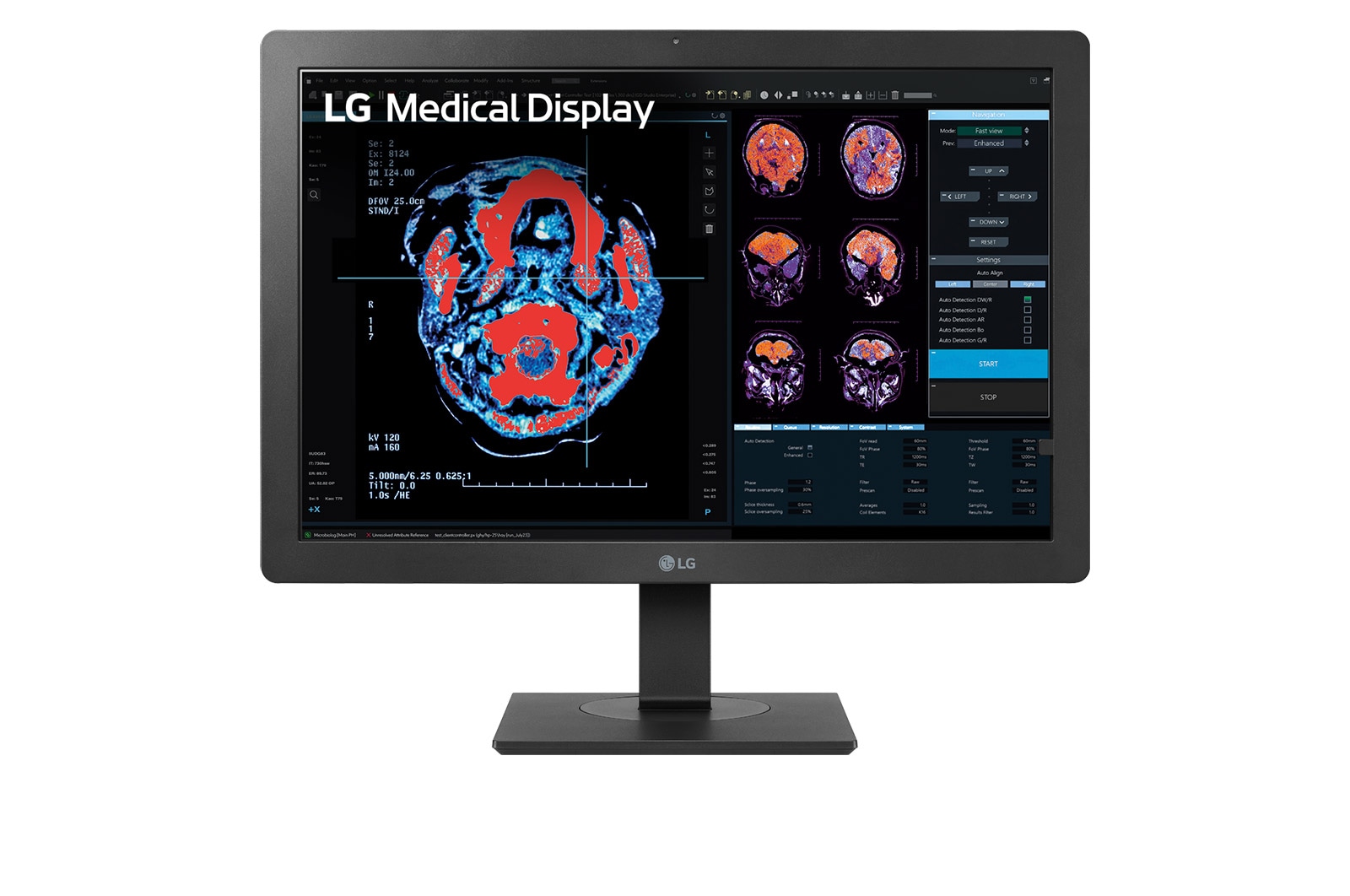
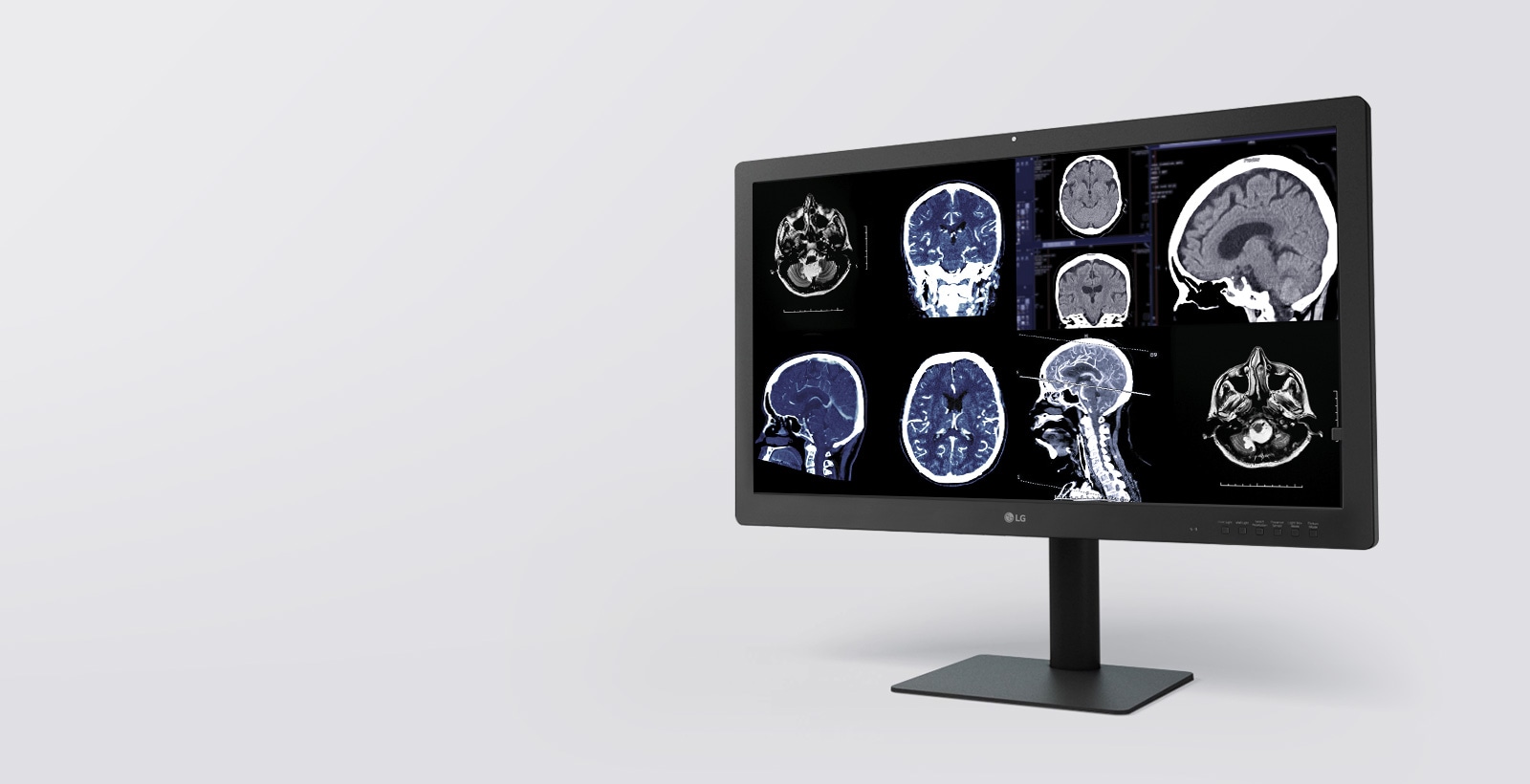
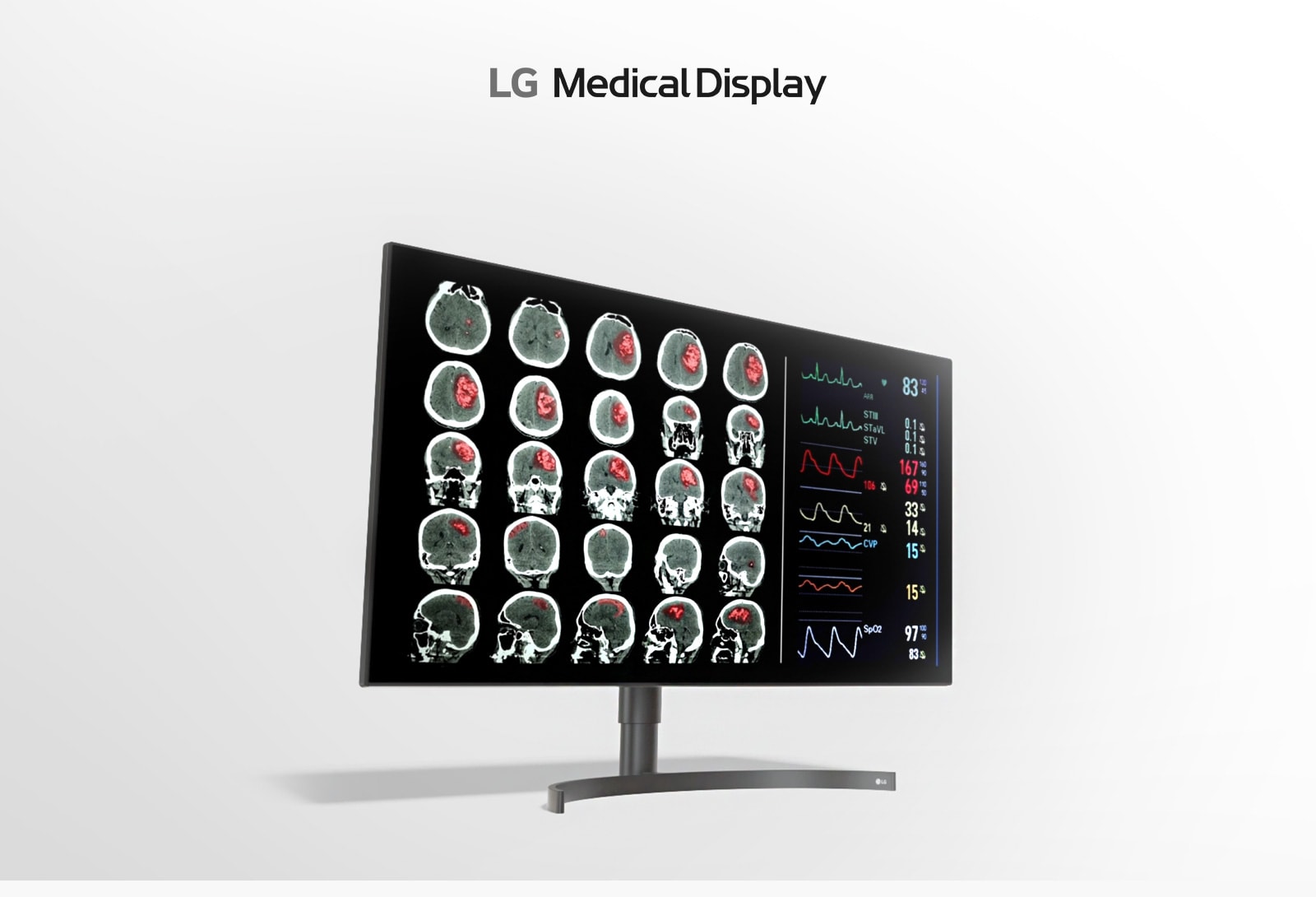
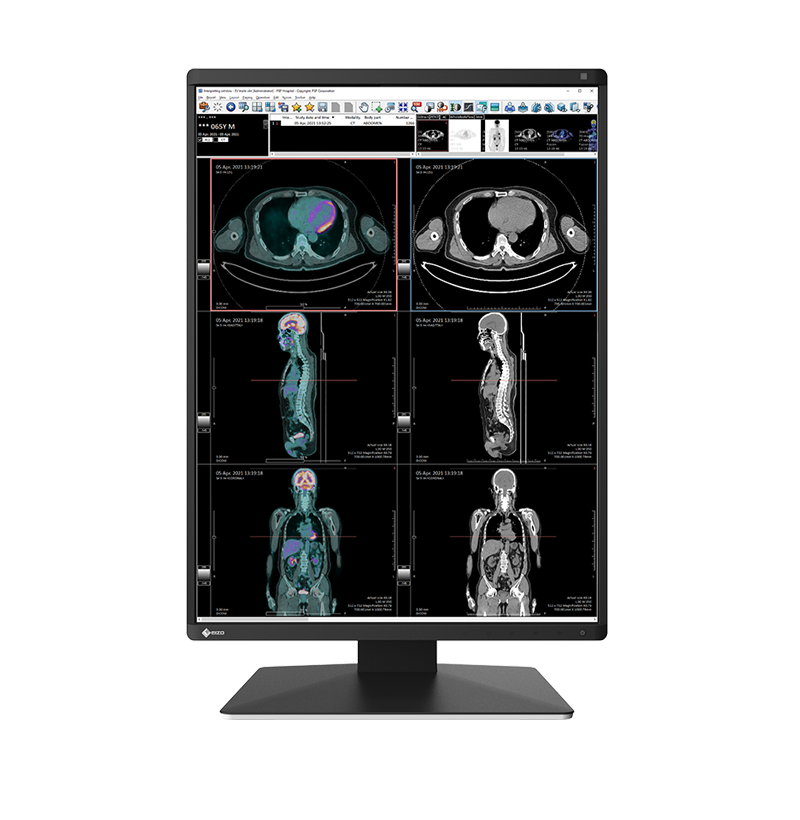
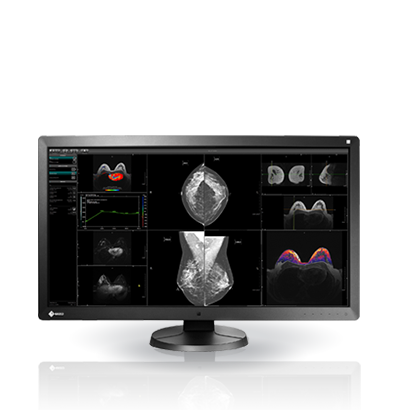
We specify the right monitor class for each room so imaging stays consistent and defensible—not mixed with consumer panels. LG Medical Solutions is our default path for stock, warranty, and partner pricing; NSW Health Standing Offer applies where relevant; EIZO RadiForce when your estate already standardises on EIZO.
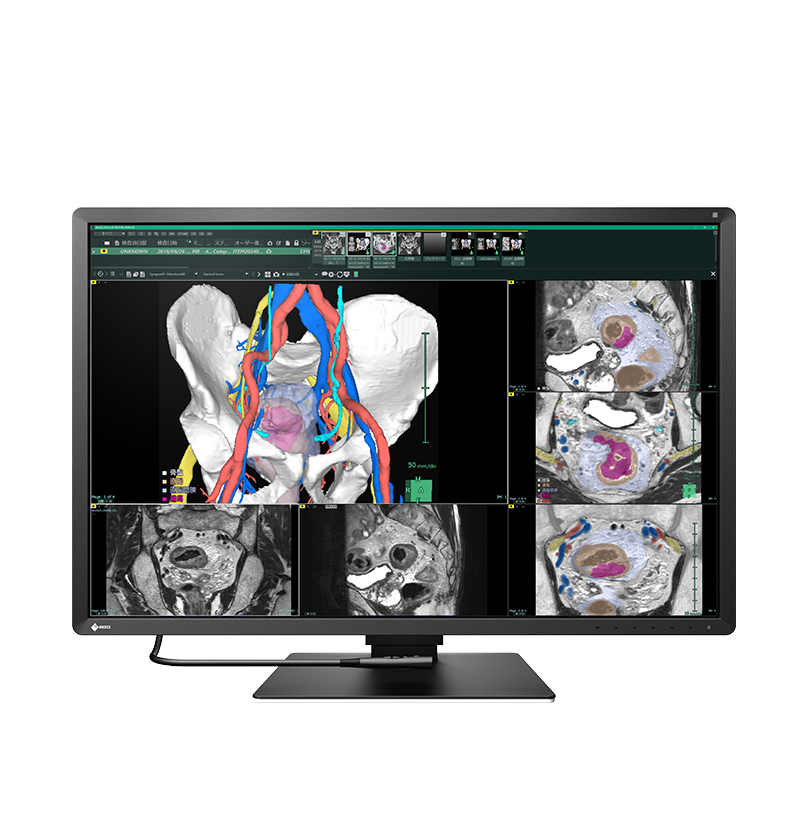
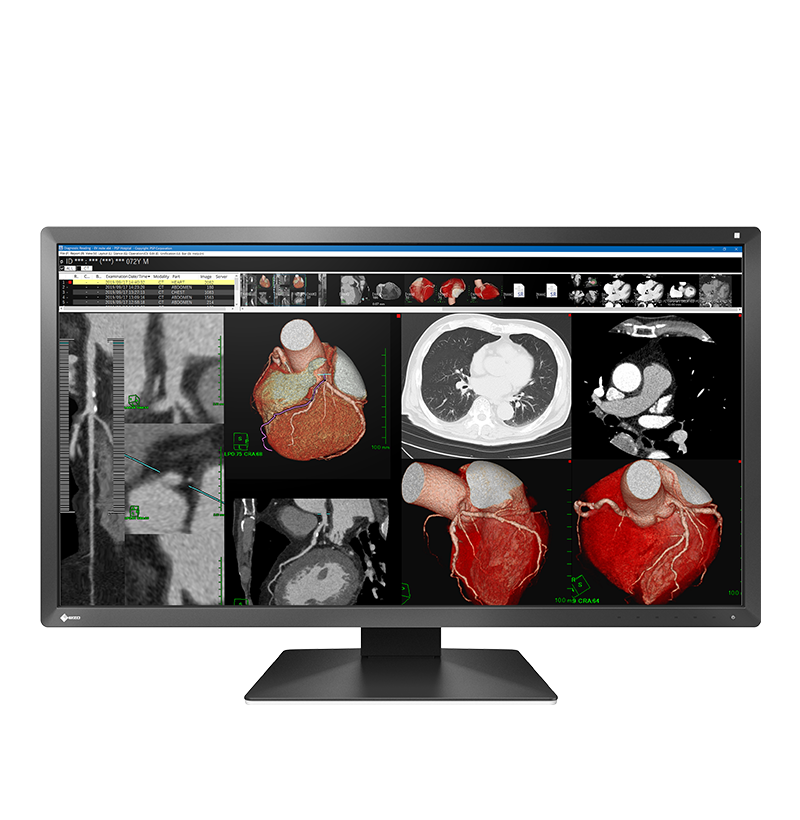
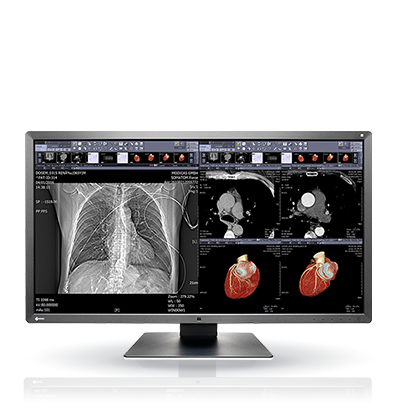
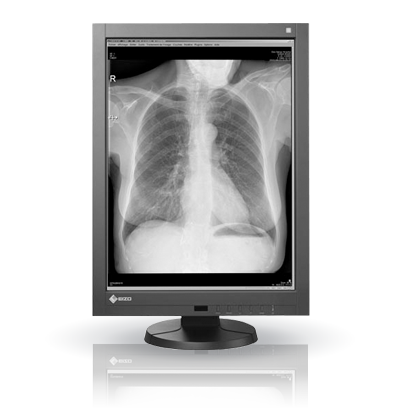
LG and EIZO medical display hardware we have supplied
Organisations where Trucell has supplied LG Medical Solutions or EIZO medical-grade display hardware, together with vendor calibration software for those lines, shown when we have permission and a documented delivery record (not generic managed IT relationships). Listing is not an endorsement.
This row scrolls horizontally. Tab through links in order. With reduced motion enabled, scroll the row yourself instead of auto-play.
- NSW Health (opens in new tab) Public healthcare AustraliaSolutions
- SA Health (opens in new tab) Public healthcare Australia
Trucell service and solution pages related to this reference customer
Solutions - Gold Coast Health (opens in new tab) Public healthcare Australia

Trucell service and solution pages related to this reference customer
Solutions - Department of Health (WA Health) (opens in new tab) Public healthcare Australia
Trucell service and solution pages related to this reference customer
Solutions - Monash Health (opens in new tab) Healthcare Australia
Trucell service and solution pages related to this reference customer
Solutions - St Vincent's Health Australia (opens in new tab) Healthcare Australia
Trucell service and solution pages related to this reference customer
Solutions - Epworth HealthCare (opens in new tab) Healthcare Australia
Trucell service and solution pages related to this reference customer
Solutions - I-MED Radiology (opens in new tab) Medical imaging Australia
Trucell service and solution pages related to this reference customer
Solutions - Quantum Radiology Group (opens in new tab) Medical imaging Australia
Trucell service and solution pages related to this reference customer
- Capital Radiology (opens in new tab) Medical imaging Australia
Trucell service and solution pages related to this reference customer
Solutions - Canopy Imaging (opens in new tab) Medical imaging New Zealand
Trucell service and solution pages related to this reference customer
Solutions - Solumedic (opens in new tab) Healthcare Chile
Trucell service and solution pages related to this reference customer
Solutions - Medplan (opens in new tab) Medical imaging Chile
Trucell service and solution pages related to this reference customer
Solutions - Novomedical (opens in new tab) Medical imaging Chile
Trucell service and solution pages related to this reference customer
ServicesSolutions
Clinical specification
Why imaging teams specify medical-grade panels
When luminance drifts between workstations, the same study can read differently desk to desk—and QA, accreditation, and audit conversations get harder than they need to be. Medical-grade displays stabilise brightness and greyscale against clinical norms so image presentation stays accountable across readers and rooms.
Consistent luminance
Stable brightness and contrast narrow reader-to-reader variance: subtle findings are less likely to present differently from desk to desk.
You keep predictable presentation month after month—not backlight drift that surfaces halfway through a review cycle.
DICOM and greyscale
DICOM Grayscale Standard Display Function (GSDF) alignment keeps greyscale behaviour aligned with diagnostic workflow expectations—not consumer tuning.
That supports defensible review conditions during QA and accreditation when monitors are part of the story.
Purpose-built for the room
Diagnostic, clinical review, and surgical environments each warrant the right panel class for lighting, viewing distance, and workflow—so installs match intent on day one.
Explore diagnostic , clinical review , or surgical lines when you scope seats.
Lifecycle you can plan
Planned replacement paths and vendor-backed support reduce emergency swaps and unbudgeted downtime.
Display choices stay aligned with managed IT and imaging operations—not ad hoc retail swaps when a backlight drifts.
Where general-purpose monitors fall short
The biggest risk is inconsistency: two clinicians can view the same study on different desks and not see the same presentation. That is a quality and governance issue, not only a display issue.
- Consumer displays are tuned for visual impact, not stable greyscale behaviour, so subtle findings can present differently across readers.
- No agreed calibration or QA trail tied to PACS & RIS workflows, which weakens your audit and accreditation position.
- Surgical and high-ambient rooms are often paired with panels not rated for glare, mounting, or the signal paths actually used in theatre.
- Fragmented sourcing creates multiple SKUs and suppliers with no single ownership thread into hardware procurement , imaging operations, and support.
Medical display estates perform best when specification, deployment, and ongoing checks are managed as one lifecycle, not a one-off purchase.
Next step
If inconsistent presentation or audit risk sounds familiar, the next step is a room-matched shortlist—the same path as the hero button.
Why we lead with LG, and when EIZO fits
For most projects, including mixed LG and EIZO environments, we lead with LG Medical Solutions because stock availability, warranty coverage, and partner pricing enable faster, lower-risk deployment. Where your estate already standardises on EIZO RadiForce, we align to that standard rather than forcing platform churn.
LG Medical Solutions (preferred)
From large-format diagnostic stacks to clinical and surgical options, LG Medical Solutions is our primary medical imaging partner for most new projects, backed by warranty coverage, partner pricing, and Australian stock availability. NSW Health Standing Offer pathways are available where those arrangements apply.
EIZO diagnostic (existing estates)
Where teams already standardise on EIZO RadiForce-class diagnostic colour and monochrome lines, we align specification, accessories, and deployment with your PACS and reading-room layout. See diagnostic monitors for clinical-grade positioning when EIZO is the incumbent choice.
Healthcare delivery context
We routinely support healthcare organisations where imaging uptime, change control, and clear ownership between clinical technology and IT matter as much as panel specification.
LG Medical Solutions
Operational benefits for LG display estates
When teams standardise on LG medical displays, they get a practical operating model from calibration through warranty, not just panel specification. These are the implementation details that typically reduce lifecycle risk and day-to-day support friction.
LCS calibration software included
LG includes LG Calibration Studio (LCS) with medical displays, so calibration can follow a vendor-supported workflow rather than ad hoc consumer tooling.
Flexible calibration hosting path
LG offers a free hosted calibration service that pairs with LCS, plus a free on-premises server software option when local hosting is required.
Workstation and GPU flexibility
LG medical displays do not require a proprietary workstation GPU class. Any graphics solution that can drive the required panel resolution and signal path is suitable, with daisy chaining available on supported models.
Warranty model with continuity in mind
LG backs eligible medical displays with unlimited-hours warranty coverage and hot-swap replacement support under warranty. Confirm current terms on your quote for both LG and EIZO when comparing options.
LG medical displays (our first choice)
For most new projects we shortlist LG first to speed procurement and reduce deployment risk: broad diagnostic, clinical review, and surgical coverage with partner pricing, warranty support, and dependable Australian stock.
Specifications below are manufacturer-published highlights for side-by-side comparison; regional SKUs, firmware, and accessories can vary, confirm the exact bill of materials with Trucell before you order.
Filter by clinical workflow
Choose a use case to narrow products
-
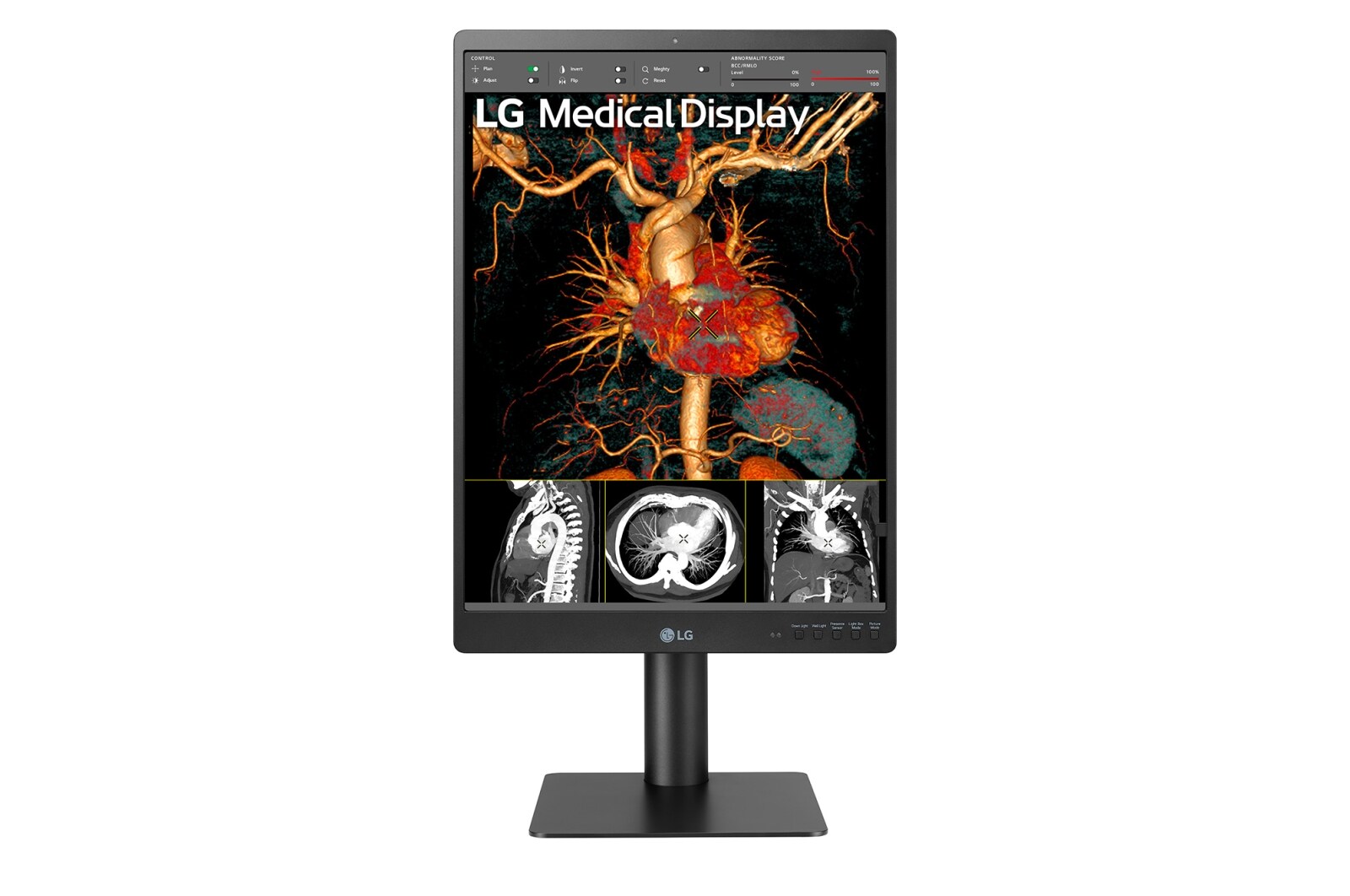
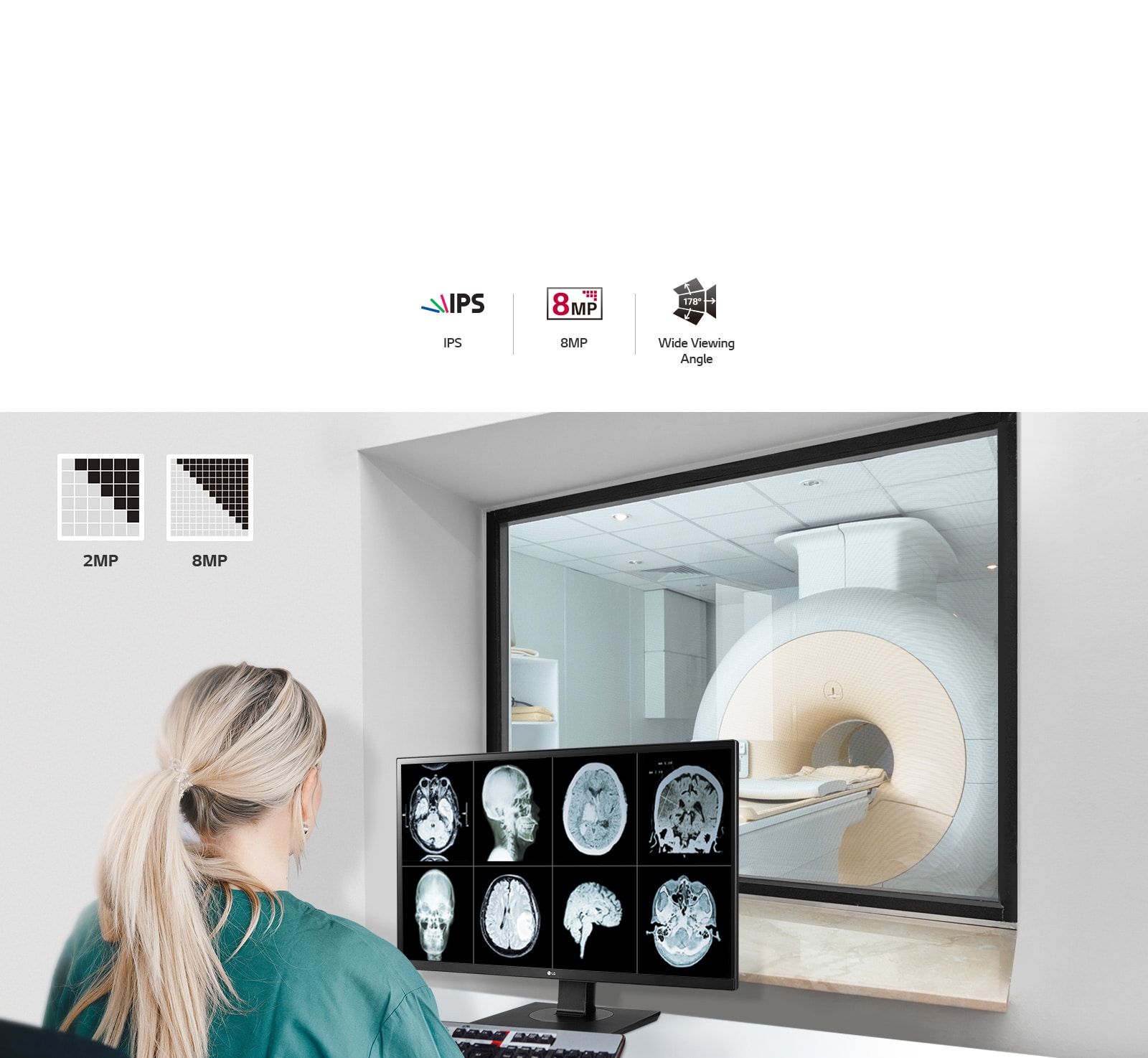
Home reporting27″ 8MP IPS Clinical Review MonitorModel 27HJ713C-B
- Screen size (diag.)
- 27.0″
- Native resolution
- 3840 × 2160
- Megapixel class
- 8MP (UHD)
- Max luminance (typ.)
- 350 cd/m² (typ.)
- Contrast (typ.)
- 1000:1 (typ.)
- Panel / backlight
- IPS / LED
- Main video inputs
- DisplayPort 1.2, HDMI 2.0
-
Clinical reporting21.3″ 5MP IPS Diagnostic Monitor for Mammography | 21HQ613DModel 21HQ613D-B
- Screen size (diag.)
- 21.3″
- Native resolution
- 2048 × 2560
- Megapixel class
- 5MP (mammography)
- Max luminance (typ.)
- 1100 cd/m² (typ.)
- Contrast (typ.)
- 1800:1 (typ.)
- Panel / backlight
- IPS / LED
- Main video inputs
- DisplayPort, DVI-D, USB 3.0
-
Clinical review24″ 2MP IPS Clinical Review MonitorModel 24HR513C-B
- Screen size (diag.)
- 24.1″
- Native resolution
- 1200 × 1600
- Megapixel class
- 2MP
- Max luminance (typ.)
- 500 cd/m² (typ.)
- Contrast (typ.)
- 1500:1 (typ.)
- Panel / backlight
- IPS / LED
- Main video inputs
- DisplayPort, DVI-D
-
Clinical reportingLG 32HQ713D-B 31.5″ 8MP IPS Black Diagnostic MonitorModel 32HQ713D-B
- Screen size (diag.)
- 31.5″
- Native resolution
- 3840 × 2160
- Megapixel class
- 8MP
- Max luminance (typ.)
- 1000 cd/m² (typ.)
- Contrast (typ.)
- 2000:1 (typ.)
- Panel / backlight
- IPS Black / LED
- Main video inputs
- DisplayPort ×2, USB 3.0
-
Clinical reporting Home reporting32″ IPS Clinical Reporting & Home Reporting MonitorModel 32HL512D-B
- Screen size (diag.)
- 31.5″ (32″ class)
- Native resolution
- 3840 × 2160
- Megapixel class
- 8MP
- Max luminance (typ.)
- 450 cd/m² (typ.)
- Contrast (typ.)
- 1300:1 (typ.)
- Panel / backlight
- IPS / LED
- Main video inputs
- DisplayPort ×2, HDMI
-
Clinical reportingLG 31″ 12MP IPS Diagnostic Monitor for Mammography (31HN713D-B)Model 31HN713D-B
- Screen size (diag.)
- 31.0″
- Native resolution
- 4200 × 2800
- Megapixel class
- 12MP (mammography)
- Max luminance (typ.)
- 1200 cd/m² (typ.)
- Contrast (typ.)
- 1500:1 (typ.)
- Panel / backlight
- IPS / LED
- Main video inputs
- DisplayPort, DVI-D, USB 3.0
-
Clinical reportingLG 21HQ513D-B, 21.3″ 3MP IPS Diagnostic MonitorModel 21HQ513D-B
- Screen size (diag.)
- 21.3″
- Native resolution
- 2048 × 1536
- Megapixel class
- 3MP
- Max luminance (typ.)
- 1100 cd/m² (typ.)
- Contrast (typ.)
- 1500:1 (typ.)
- Panel / backlight
- IPS / LED
- Main video inputs
- DisplayPort, DVI-D
-
Home reporting27″ Ultra HD Clinical Review MonitorModel 27HJ713C-B
- Screen size (diag.)
- 27.0″
- Native resolution
- 3840 × 2160
- Megapixel class
- 8MP (UHD)
- Max luminance (typ.)
- 350 cd/m² (typ.)
- Contrast (typ.)
- 1000:1 (typ.)
- Panel / backlight
- IPS / LED
- Main video inputs
- DisplayPort, HDMI
-
Home reportingLG 27HJ713C-B 27″ UHD 4K IPS Clinical Review MonitorModel 27HJ713C-B
- Screen size (diag.)
- 27.0″
- Native resolution
- 3840 × 2160
- Megapixel class
- 8MP
- Max luminance (typ.)
- 350 cd/m² (typ.)
- Contrast (typ.)
- 1000:1 (typ.)
- Panel / backlight
- IPS / LED
- Main video inputs
- DisplayPort 1.2, HDMI 2.0 ×2
-
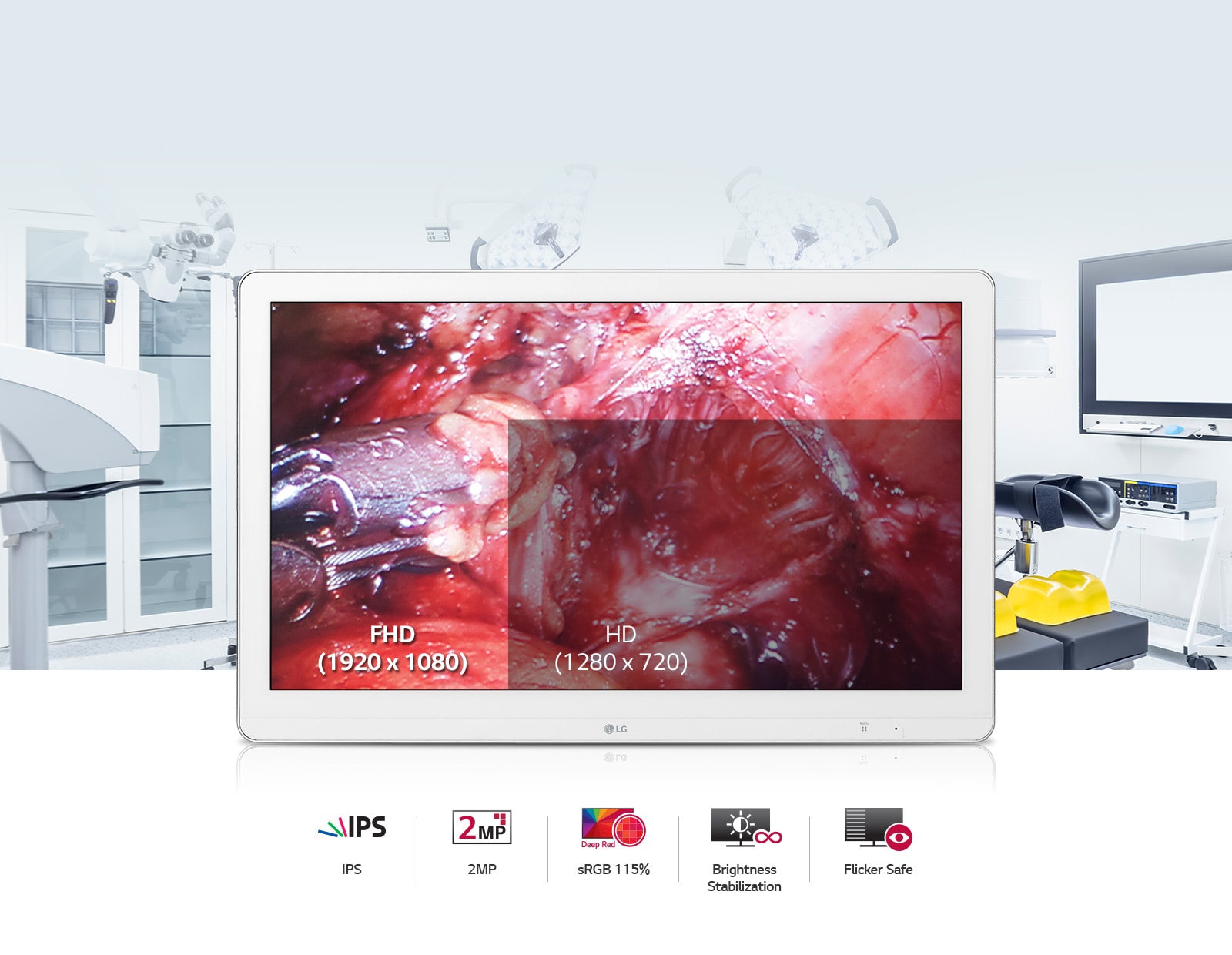
SurgicalFull HD Surgical MonitorModel 27HK510S
- Screen size (diag.)
- 27.0″ (FHD class)
- Native resolution
- 1920 × 1080
- Megapixel class
- 2MP (Full HD)
- Max luminance (typ.)
- 700 cd/m² (typ., OR)
- Contrast (typ.)
- 1000:1 (typ.)
- Panel / backlight
- IPS / LED
- Main video inputs
- HDMI, DisplayPort, SDI (model-dependent)
-
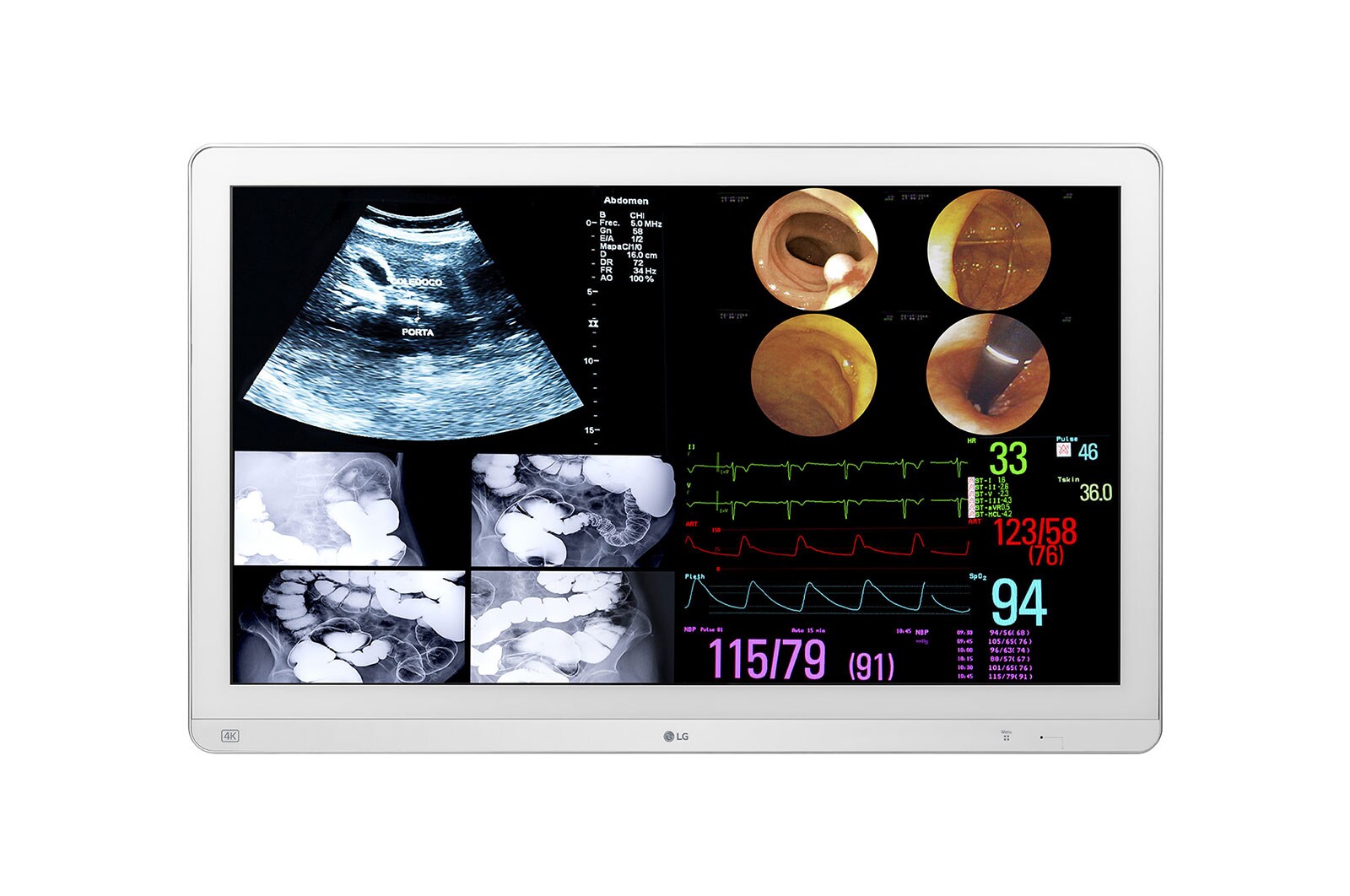
Surgical31.5″ 4K IPS Surgical MonitorModel 32HL714S-W
- Screen size (diag.)
- 31.5″
- Native resolution
- 3840 × 2160
- Megapixel class
- 8MP (4K UHD)
- Max luminance (typ.)
- 800 cd/m² (typ., OR)
- Contrast (typ.)
- 1000:1 (typ.)
- Panel / backlight
- IPS / LED
- Main video inputs
- 12G-SDI, HDMI, DisplayPort (model-dependent)
-
Surgical27″ 4K Surgical Monitor with Mini-LEDModel 27HQ710S-W
- Screen size (diag.)
- 27.0″
- Native resolution
- 3840 × 2160
- Megapixel class
- 8MP (4K UHD)
- Max luminance (typ.)
- 1000+ cd/m² (typ., Mini-LED)
- Contrast (typ.)
- High contrast (local dimming)
- Panel / backlight
- IPS Mini-LED
- Main video inputs
- 12G-SDI, HDMI, DisplayPort (model-dependent)
-
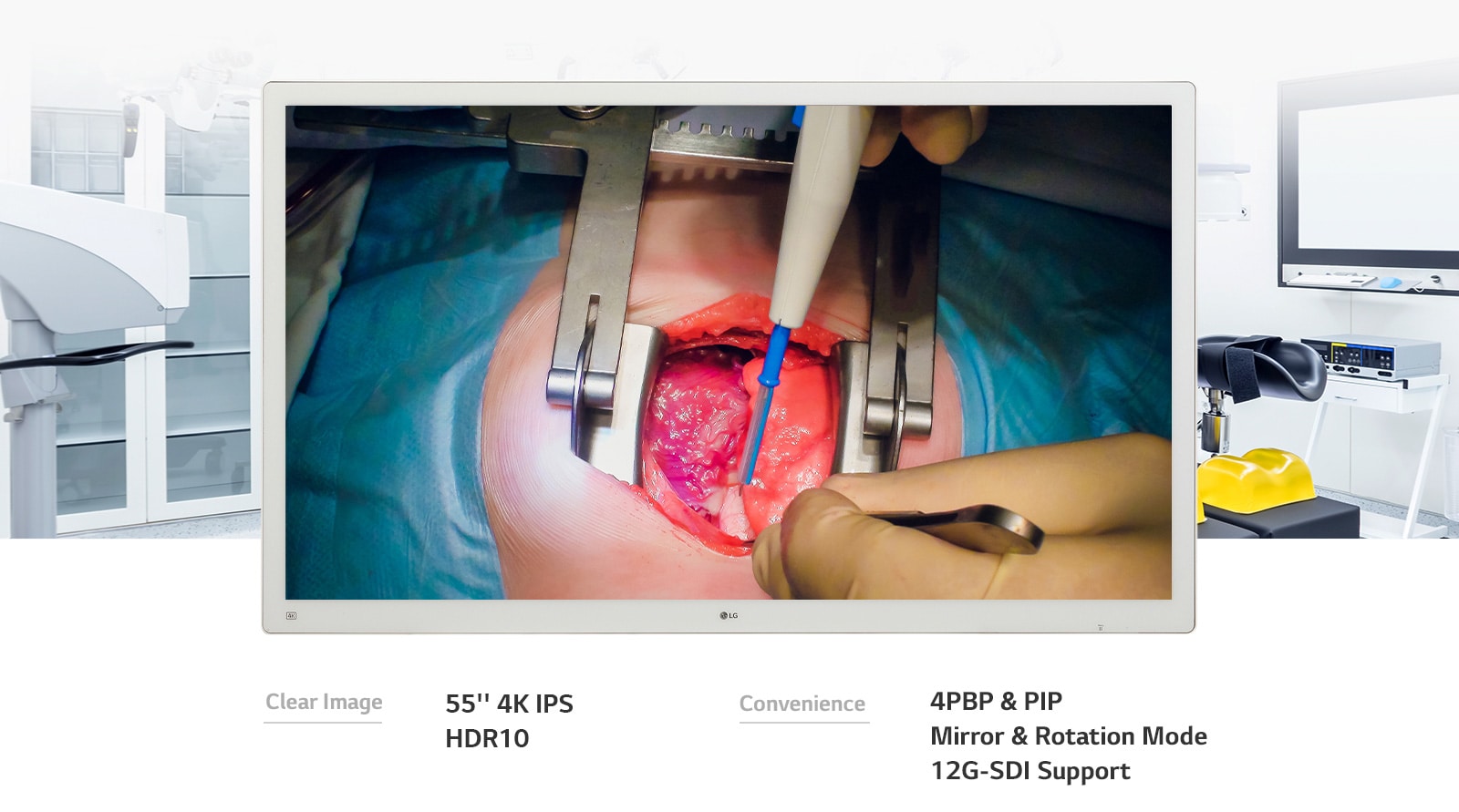
Surgical55″ 4K IPS Surgical MonitorModel 55MH5K-W
- Screen size (diag.)
- 55.0″
- Native resolution
- 3840 × 2160
- Megapixel class
- 8MP (4K UHD)
- Max luminance (typ.)
- 500-700 cd/m² (typ., large-format OR)
- Contrast (typ.)
- 1200:1 (typ.)
- Panel / backlight
- IPS / LED
- Main video inputs
- 12G-SDI, HDMI, DisplayPort (model-dependent)
EIZO medical displays
Where your estate already standardises on EIZO RadiForce, we align accessories, room fit, and deployment to avoid disruption while maintaining clinical workflow continuity.
Specifications below are manufacturer-published highlights for side-by-side comparison; regional SKUs, firmware, and accessories can vary, confirm the exact bill of materials with Trucell before you order.
Filter by clinical workflow
Choose a use case to narrow products
-
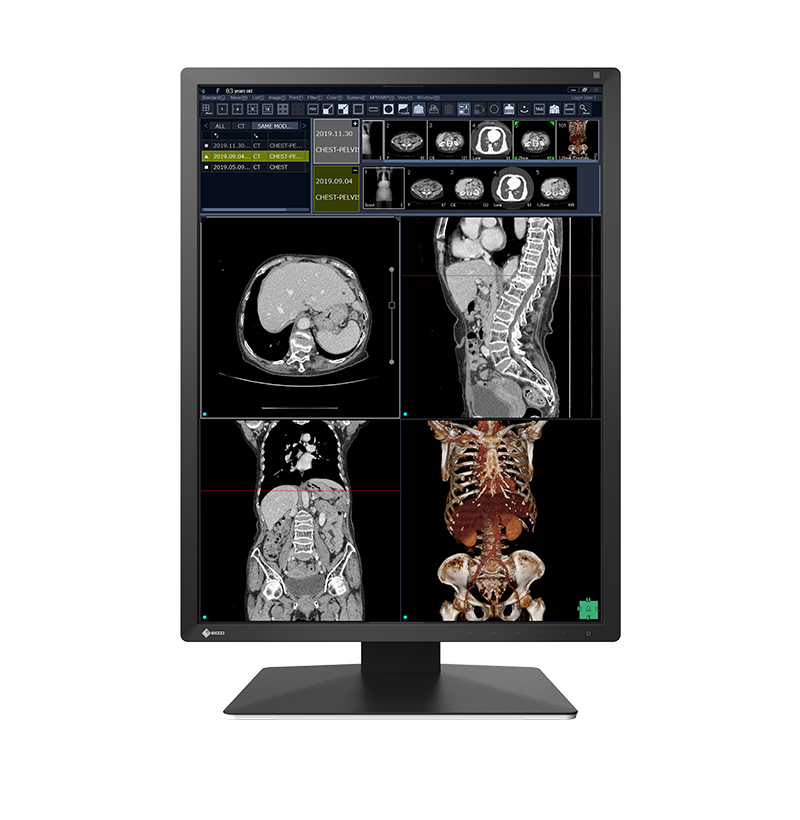
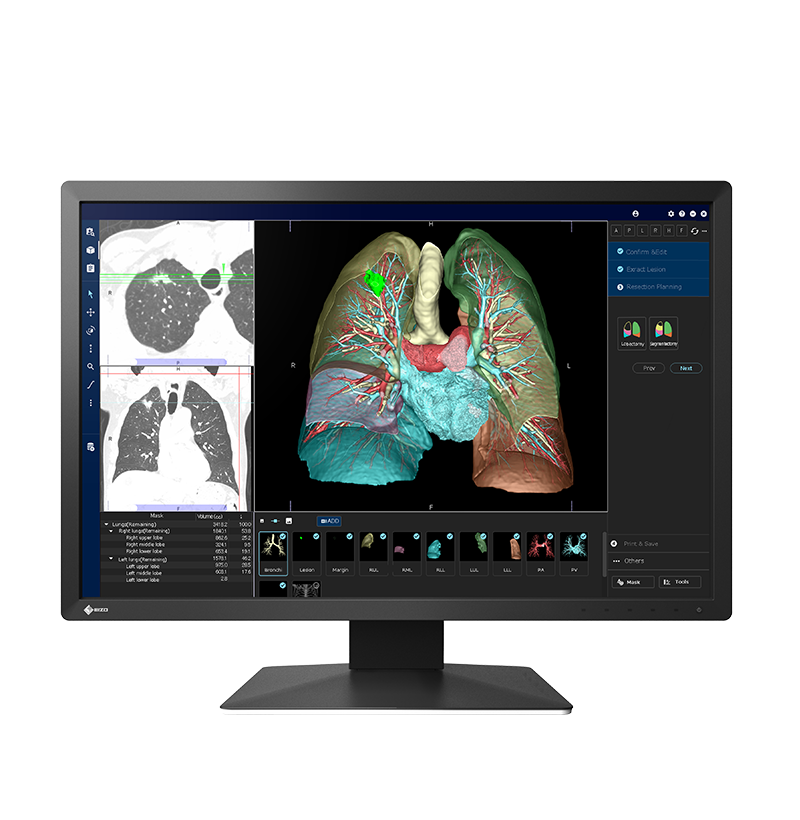
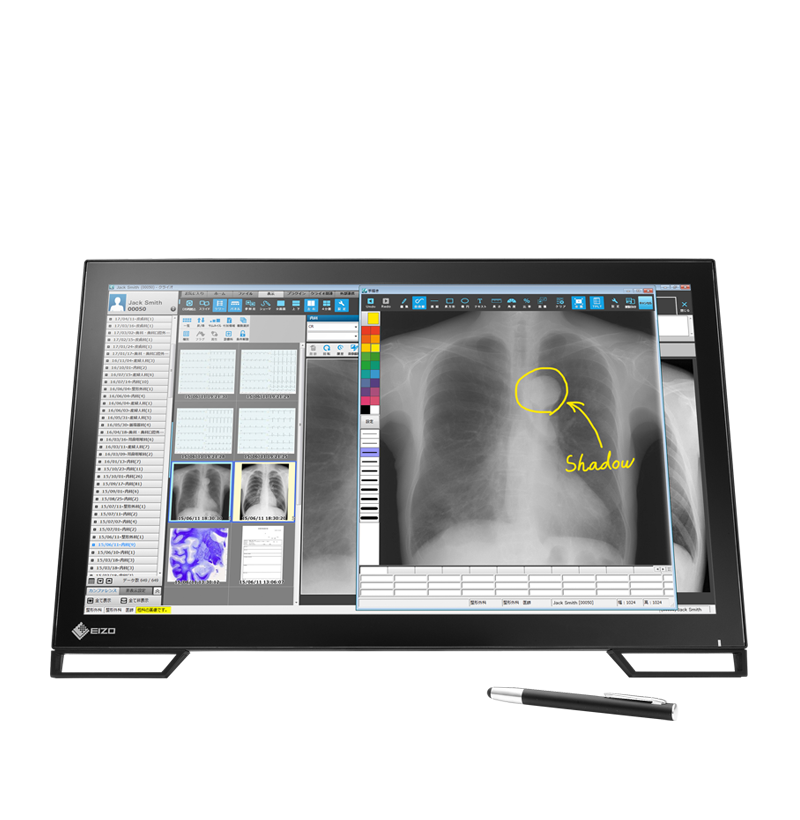
Clinical reviewEIZO RadiForce MS236WT-A, 23″ Full HD Multi-Touch Medical MonitorModel MS236WT-A
- Screen size (diag.)
- 23.0″
- Native resolution
- 1920 × 1080
- Megapixel class
- 2MP (Full HD)
- Max luminance (typ.)
- 210 cd/m² (typ.)
- Contrast (typ.)
- 1000:1 (typ.)
- Panel / backlight
- IPS / LED, multi-touch
- Main video inputs
- DisplayPort, DVI-D, HDMI
-
Clinical reportingEIZO RadiForce RX370, 21.3″ 3MP Diagnostic MonitorModel RX370
- Screen size (diag.)
- 21.3″
- Native resolution
- 1536 × 2048
- Megapixel class
- 3MP
- Max luminance (typ.)
- 1100 cd/m² (max.)
- Contrast (typ.)
- 1800:1 (dark room, typ.)
- Panel / backlight
- IPS / LED
- Main video inputs
- DisplayPort, DVI-D
-
Home reportingEIZO RadiForce MX194, 19″ 1.3MP Medical MonitorModel MX194
- Screen size (diag.)
- 19.0″
- Native resolution
- 1280 × 1024
- Megapixel class
- 1.3MP
- Max luminance (typ.)
- 250 cd/m² (typ.)
- Contrast (typ.)
- 1500:1 (typ.)
- Panel / backlight
- IPS / LED
- Main video inputs
- DisplayPort, DVI-D
-
Clinical reviewEIZO RadiForce MX216, 21.3″ 2MP Medical MonitorModel MX216
- Screen size (diag.)
- 21.3″
- Native resolution
- 1200 × 1600
- Megapixel class
- 2MP
- Max luminance (typ.)
- 800 cd/m² (typ.)
- Contrast (typ.)
- 1500:1 (typ.)
- Panel / backlight
- IPS / LED
- Main video inputs
- DisplayPort, DVI-D
-
Clinical reviewEIZO RadiForce MX217, 21.3″ 2MP Medical MonitorModel MX217
- Screen size (diag.)
- 21.3″
- Native resolution
- 1200 × 1600
- Megapixel class
- 2MP
- Max luminance (typ.)
- 800 cd/m² (typ.)
- Contrast (typ.)
- 1500:1 (typ.)
- Panel / backlight
- IPS / LED
- Main video inputs
- DisplayPort, DVI-D
-
Clinical reportingEIZO RadiForce RX270, 21.3″ 2MP Diagnostic MonitorModel RX270
- Screen size (diag.)
- 21.3″
- Native resolution
- 1200 × 1600
- Megapixel class
- 2MP
- Max luminance (typ.)
- 1000 cd/m² (max.)
- Contrast (typ.)
- 2000:1 (dark room, typ.)
- Panel / backlight
- IPS / LED
- Main video inputs
- DisplayPort, DVI-D
-
Home reportingEIZO RadiForce MX243W, 24.1″ 2MP Widescreen Medical MonitorModel MX243W
- Screen size (diag.)
- 24.1″
- Native resolution
- 1920 × 1200
- Megapixel class
- 2MP (WUXGA)
- Max luminance (typ.)
- 450 cd/m² (typ.)
- Contrast (typ.)
- 1500:1 (typ.)
- Panel / backlight
- IPS / LED
- Main video inputs
- DisplayPort, DVI-D
-
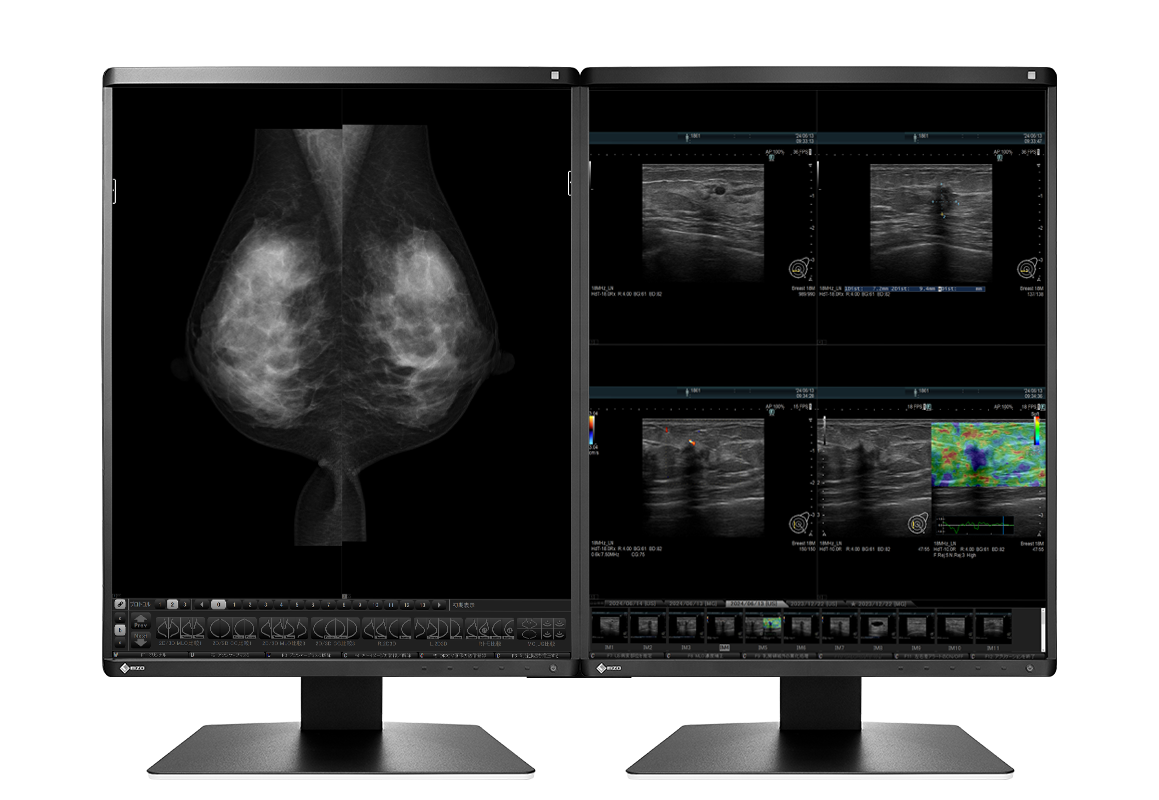
Clinical reportingEIZO RadiForce RX570-MD, 21.3″ 5MP Mammography MonitorModel RX570-MD
- Screen size (diag.)
- 21.3″
- Native resolution
- 2560 × 2048
- Megapixel class
- 5MP (mammography)
- Max luminance (typ.)
- 1000 cd/m² (max.)
- Contrast (typ.)
- 2000:1 (dark room, typ.)
- Panel / backlight
- IPS / LED
- Main video inputs
- DisplayPort, DVI-D
-
Clinical reportingEIZO RadiForce RX1270, 30.9″ 12MP Diagnostic MonitorModel RX1270
- Screen size (diag.)
- 30.9″
- Native resolution
- 4200 × 2800
- Megapixel class
- 12MP
- Max luminance (typ.)
- 1000 cd/m² (max.)
- Contrast (typ.)
- 1500:1 (typ.)
- Panel / backlight
- IPS / LED
- Main video inputs
- DisplayPort ×2
-
Clinical reportingEIZO RadiForce RX670, 30″ 6MP Multi-Modality MonitorModel RX670
- Screen size (diag.)
- 30.0″
- Native resolution
- 3280 × 2048
- Megapixel class
- 6MP
- Max luminance (typ.)
- 1000 cd/m² (max.)
- Contrast (typ.)
- 2000:1 (dark room, typ.)
- Panel / backlight
- IPS / LED
- Main video inputs
- DisplayPort, DVI-D
-
Clinical reportingEIZO RadiForce MX317W, 30.5″ 8MP 4K Medical MonitorModel MX317W
- Screen size (diag.)
- 30.5″
- Native resolution
- 4096 × 2160
- Megapixel class
- 8MP
- Max luminance (typ.)
- 700 cd/m² (typ.)
- Contrast (typ.)
- 1500:1 (typ.)
- Panel / backlight
- IPS / LED
- Main video inputs
- DisplayPort ×2
-
Clinical reviewRadiForce MX315WModel MX315W
- Screen size (diag.)
- 31.1″
- Native resolution
- 4096 × 2160
- Megapixel class
- 8MP
- Max luminance (typ.)
- 700 cd/m² (typ.)
- Contrast (typ.)
- 1500:1 (typ.)
- Panel / backlight
- IPS / LED
- Main video inputs
- DisplayPort ×2
-
Clinical reviewRadiForce GX340Model GX340
- Screen size (diag.)
- 21.3″
- Native resolution
- 1536 × 2048
- Megapixel class
- 3MP (mono)
- Max luminance (typ.)
- 2000 cd/m² (max., mono)
- Contrast (typ.)
- 2000:1 (typ.)
- Panel / backlight
- Monochrome TFT / LED
- Main video inputs
- DisplayPort, DVI-D
-
Clinical reportingRadiForce RX340Model RX340
- Screen size (diag.)
- 21.2″
- Native resolution
- 1536 × 2048
- Megapixel class
- 3MP
- Max luminance (typ.)
- 1100 cd/m² (max.)
- Contrast (typ.)
- 2000:1 (dark room, typ.)
- Panel / backlight
- IPS / LED
- Main video inputs
- DisplayPort, DVI-D
-
Clinical reportingRadiForce RX440Model RX440
- Screen size (diag.)
- 29.8″
- Native resolution
- 2560 × 1600
- Megapixel class
- 4MP
- Max luminance (typ.)
- 1000 cd/m² (max.)
- Contrast (typ.)
- 2000:1 (typ.)
- Panel / backlight
- IPS / LED
- Main video inputs
- DisplayPort ×2
-
Clinical reviewRadiForce GX540Model GX540
- Screen size (diag.)
- 21.3″
- Native resolution
- 2048 × 2560
- Megapixel class
- 5MP (mono, mammography)
- Max luminance (typ.)
- 1200 cd/m² (std., mono)
- Contrast (typ.)
- 1200:1 (typ.)
- Panel / backlight
- Monochrome TFT / LED
- Main video inputs
- DisplayPort, DVI-D (dual-link)
-
Clinical reportingRadiForce RX650Model RX650
- Screen size (diag.)
- 30.0″
- Native resolution
- 3280 × 2048
- Megapixel class
- 6MP
- Max luminance (typ.)
- 1000 cd/m² (max.)
- Contrast (typ.)
- 2000:1 (typ.)
- Panel / backlight
- IPS / LED
- Main video inputs
- DisplayPort ×2
-
Clinical reportingRadiForce RX840Model RX840
- Screen size (diag.)
- 36.4″
- Native resolution
- 4096 × 2160
- Megapixel class
- 8MP
- Max luminance (typ.)
- 800 cd/m² (typ.)
- Contrast (typ.)
- 2000:1 (typ.)
- Panel / backlight
- IPS / LED
- Main video inputs
- DisplayPort ×2
-
Clinical reportingRadiForce RX840-MGModel RX840-MG
- Screen size (diag.)
- 36.4″
- Native resolution
- 4096 × 2160
- Megapixel class
- 8MP (mammography / general)
- Max luminance (typ.)
- 800 cd/m² (typ.)
- Contrast (typ.)
- 2000:1 (typ.)
- Panel / backlight
- IPS / LED
- Main video inputs
- DisplayPort ×2
-
Clinical reportingRadiForce RX850Model RX850
- Screen size (diag.)
- 31.1″
- Native resolution
- 4096 × 2160
- Megapixel class
- 8MP
- Max luminance (typ.)
- 850 cd/m² (typ.)
- Contrast (typ.)
- 1450:1 (typ.)
- Panel / backlight
- IPS / LED
- Main video inputs
- DisplayPort ×2, DVI-D (dual-link) ×2
Compare selected models (0)
Select monitor cards above to build a quick side-by-side comparison below.
Tip: you can select models across different workflow filters.
Select one or more displays above to start comparing key specifications.
| Photo | Model | Screen size (diag.) | Native resolution | Megapixel class | Max luminance (typ.) | Contrast (typ.) | Panel / backlight | Main video inputs |
|---|
Run a quick DICOM monitor suitability test
If imaging teams are working across mixed displays, this browser-based DICOM monitor test helps flag whether brightness and greyscale rendering may be holding reporting confidence back before your next review cycle.
(opens in a new tab)
This is a non-clinical screening tool and does not replace formal monitor calibration, acceptance testing, or regulatory assessment.
From selection to sustained performance
We keep the thread from specification through handover, so what is ordered matches the clinical intent, the integration points are understood, and the display estate does not drift silently after go-live.
Discover
Room type, modality mix, reading versus review versus theatre use, and how PACS & RIS workflows touch the estate, before anyone locks a SKU list.
Specify & quote
Panel class, mounting, signal paths, and accessories matched to vendor guidance and your standards, routed through hardware procurement so quotes reflect what will actually ship and install.
Deploy & verify
Staging, delivery coordination, and baseline checks so clinical teams start from a known-good state, not surprise variance on day one.
Sustain
IT support , lifecycle planning, and calibration or QA alignment as part of your operational rhythm, so luminance drift is managed, not discovered accidentally.
Procurement and governance
Trucell supplies LG diagnostic displays under NSW Health Standing Offer arrangements and supports Australian and New Zealand government and health-sector procurement patterns, with ISO 9001-aligned controls on supply and delivery, not a claim to certify your site.
NSW Health Standing Offer
Where those arrangements apply, Trucell supplies LG diagnostic displays under NSW Health Standing Offer arrangements, named, traceable supply paths for public health buyers who need confidence in how equipment is sourced and delivered.
Australia and New Zealand
Beyond NSW, we support government and public sector and health-sector procurement in Australia and New Zealand with conservative, sector-appropriate wording, without inventing standing-offer names we have not documented.
Quality-managed supply
Hardware moves through the same specification discipline as the rest of Trucell’s IT hardware procurement practice: controlled documentation, distributor-backed lines, and handover into managed support where agreed.
When the display solution is working, and when it quietly drifts
The goal is predictable imaging presentation: calibrated greys, accountable procurement, and operations that know who owns the next step.
When it is working
- Readers see stable brightness and greyscale behaviour across workstations, with QA and calibration aligned to your imaging policy.
- Procurement paths are clear for public and private buyers, including where NSW Health Standing Offer applies to LG diagnostic displays.
- Support and lifecycle conversations tie into managed IT , not a forgotten capital spreadsheet.
When it is not
- Mixed consumer gear on clinical desks, same room, incompatible presentation, no defensible calibration story.
- “We will fix it later” brightness drift, until an incident review asks why two monitors showed the same study differently.
- Orders placed without integration context, signal, mounting, or PACS workflow mismatches that show up on install week.
Send a quick room brief for a faster shortlist
Share your room context in under a minute. We will use this brief to recommend suitable diagnostic, clinical review, or surgical models before formal quoting.
Ready for a room-by-room shortlist and quote?
Share your room type, modality mix, and procurement constraints. We will recommend diagnostic, clinical review, or surgical models and send pricing with clear next steps. No obligation, just a clear recommendation you can act on.
Frequently asked questions
Answers to common shortlist and procurement questions before your quote review.
Which monitor class should we use in each room?
Use diagnostic displays for primary interpretation, clinical review displays for non-diagnostic review contexts, and surgical displays for theatre or procedure-room workflows with higher ambient light and mounting constraints.
Can Trucell support mixed LG and EIZO estates?
Yes. We support mixed estates and align recommendations to your existing standards, room fit, and procurement constraints so you can improve consistency without forcing unnecessary platform churn.
Do you support procurement pathways for public health buyers?
Yes. Where applicable, we support NSW Health Standing Offer pathways for LG diagnostic display procurement and provide quote packs suited to healthcare governance and review processes.
Is the DICOM browser test a replacement for formal calibration?
No. The browser test is a quick screening aid only. It does not replace formal monitor calibration, acceptance testing, or regulatory assessment requirements.
Services that deliver this solution
Trucell service lines that scope, implement, and run the work behind this solution—with ownership and evidence your teams can trace through procurement and assurance reviews.
-
IT hardware procurement
IT hardware with distributor-backed supply, RFP-friendly evidence (ISO 9001, lifecycle, handover to HaloPSA and NinjaOne), and specs tied to capacity, IOPS, recovery, and clinical fit, not lowest bid in a cart.
Read more -
IT support
Managed support with HaloPSA, NinjaOne, Zabbix, and NetApp-aware runbooks: one accountable story for the desk, endpoints, monitoring, and backup, with regional coverage including the Philippines, Australia, and Chile, ISO- and ITSM-governed delivery, and an honest RFP scorecard (SLAs, E8, and references).
Read more -
PACS & RIS
Radiology IT for imaging providers: uptime, image access, reporting workflows, modality and DICOM integration, PACS and RIS, storage, diagnostic displays, clinical kiosks, privacy, and vendor coordination—managed with one escalation path, not generic MSP defaults.
Read more
Explore related areas
Partners, imaging solutions, and industries, most display solutions sit alongside PACS, procurement, and sector governance.
Industries
Partners
Solutions
-
Clinical monitors
Clinical review and consultation displays where diagnostic-class hardware is not required for every seat.
Read more -
Surgical monitors
High-brightness surgical and procedure-room displays with signal and mounting considerations built in.
Read more -
PACS & RIS
Imaging workflow, DICOM, and storage context that sit behind the monitors on the wall.
Read more
Related insights
View all articles →
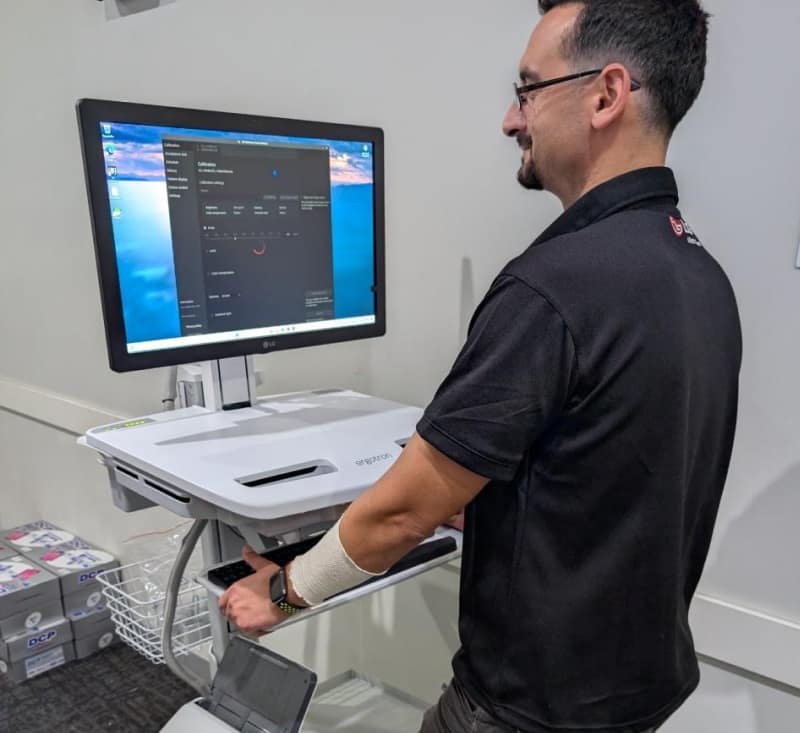
Mobile workstation: improving workflow efficiency at Quantum Radiology BankstownHow Ergotron mobile PC trolleys and an LG Clinical Review Monitor helped Quantum Radiology Bankstown adopt digital worksheets without sacrificing speed or ergonomics.Read article →
Lunch and Learn: LG diagnostic monitors and digital X-ray detectors at Westmead HospitalTrucell and LG Medical hosted a Lunch and Learn at Westmead Hospital for public and children’s hospital staff—covering LG diagnostic displays, digital X-ray detectors, and the NSW SOA pathway for diagnostic displays.Read article →
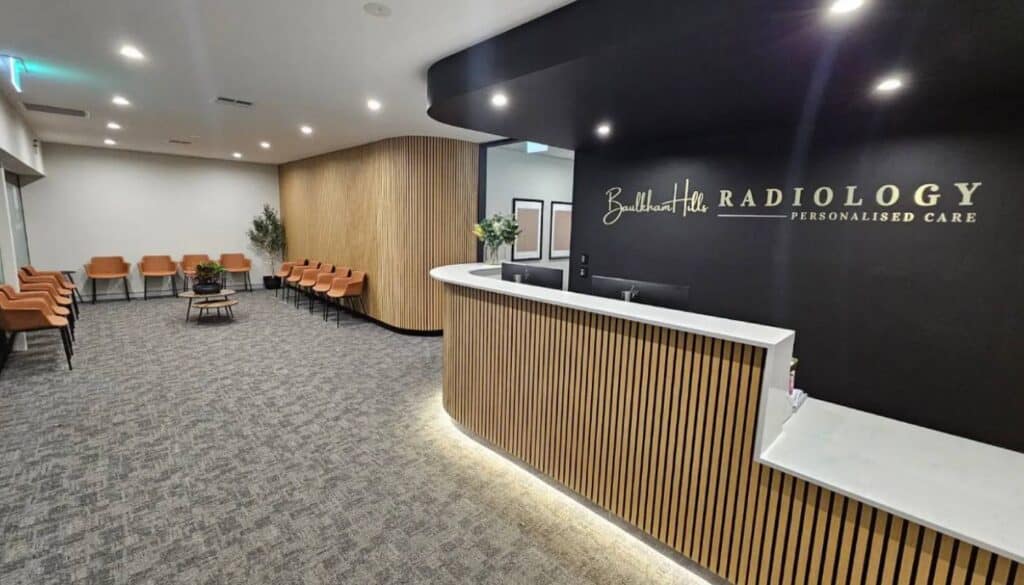
Full IT infrastructure fit-out for Baulkham Hills RadiologyCoordinated build for a live imaging site: HP clinical workstations, Fortinet HA networking and Wi-Fi, Voyager RIS/PACS with Ripple, LG diagnostic displays, 3CX voice, resilient internet, and Trucell managed operations.Read article →
LG medical monitors and NSW Health: SOA for diagnostic displaysTrucell holds the NSW Health Standing Offer Agreement for LG diagnostic monitors—backed by tender discipline, TGA-listed devices, and nationwide installation and calibration capability.Read article →