

Published: By Trucell3 min read
Self-service kiosks for retail: what the software and hardware actually cost
Self-service kiosk costs in Australia: the software and hardware split, self checkout vs browse-only modes, fleet management, and when kiosks pay off.
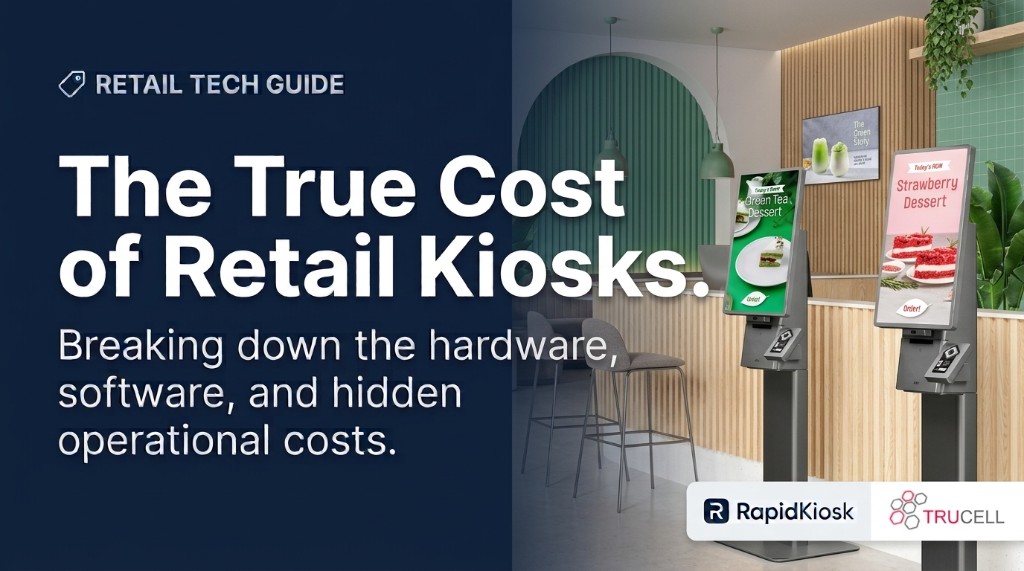
Ask a kiosk vendor what a self-service kiosk costs and you will usually get a hardware quote, because the screen is the easy part to price. The real question has three parts: what the hardware costs, what the software costs per month, and what it costs to keep a fleet of kiosks current, licensed, and actually working once they are on the floor. This guide breaks down all three for Australian retailers, showrooms, and service counters.
The three costs of a kiosk that vendors quote as one
Hardware. Commercial kiosk hardware is a different animal from a consumer tablet on a stand. Purpose-built units, such as the LG Kiosk & Touch range Trucell supplies for Australia, are designed for high-traffic floors: 27 inch in-cell touch in portrait floor stand, freestanding, or countertop formats, with accessibility keypads, assistive audio, and modular peripherals like barcode scanners and receipt printers. Hardware is quoted per unit and per configuration.
Software. This is the part most buyers under-scope. A kiosk needs a layout someone can change, a licence someone controls, and a management plane someone can reach it through. With RapidKiosk, our retail kiosk software platform, that is priced per kiosk per month in AUD: free with an on-screen trial watermark for evaluation, $10 a month with a small “Powered by RapidKiosk” credit on screen, or $150 a month fully white-label. Self checkout, with live POS and commerce integration, is licensed separately and quoted to your stack.
Operations. The cost nobody quotes: who updates the layouts, who notices a dark screen, who re-licenses units, and who drives to the store when one hangs. A managed fleet turns those into console tasks: versioned layout publishing, heartbeat monitoring with offline alerts, remote browser view into the live session, and Wake-on-LAN for cold units.
Self checkout, queue management, or browse and promote?
The same platform can run three quite different floors, and the mode you pick drives the budget:
- Self checkout puts catalog, cart, and tender on the kiosk, wired to the systems you already run: Lightspeed POS, WooCommerce, SAP, or Dynamics 365 Business Central. It carries a per-kiosk licence quoted to your stack because the integration scope varies.
- Waiting room kiosks issue tickets, drive wallboards, and call customers to counters, with multi-service queues, priority handling, and thermal ticket printing. Common for service desks, telcos, and click-and-collect counters.
- Browse and promote kiosks do wayfinding, promotions, and product discovery without tender: hero layouts, category and search, and lead capture forms. This is the lowest-commitment starting point, and it runs on the standard per-kiosk subscription.
When kiosks pay off, and when they do not
Honest fit guidance, because a kiosk that idles is pure cost:
- Kiosks earn their space where staff repeat the same transaction or answer all day: ordering, check-in style queuing, stock lookups, or promotions that change weekly.
- They disappoint where the content never changes. A kiosk showing the same screen for six months is an expensive poster; the value is in publishing fresh layouts without a technician visit.
- Fleet size changes the maths. One kiosk can be managed by hand. Ten kiosks across three sites cannot: that is where per-kiosk licensing, monitoring, and remote access stop being nice-to-haves.
Try before you commit
The cleanest way to evaluate is the free tier: the full platform, including the designer and fleet console, with a persistent on-screen watermark until you subscribe. Enrol an existing Windows or Android device, publish a layout, and see whether the workflow fits before any hardware order. When it does, Trucell quotes the LG hardware, licensing, installation, and support as one rollout with one accountable owner.