

Published: By Trucell7 min read
Greenfield radiology IT fit-out: Care Plus Imaging Doncaster, Melbourne
Care Plus Imaging Doncaster IT fit-out in Melbourne: structured cabling, Wi-Fi, redundant internet, Voyager RIS and PACS, and go-live sequencing.
A new radiology clinic looks like a building project from the outside. From the inside, it is also an IT project, and the IT decisions made before the modalities arrive will shape what reception, radiographers, and radiologists experience for the next decade.
Trucell supported the full IT fit-out of Care Plus Imaging Doncaster in Melbourne, from initial concept discussions through structured cabling coordination, Wi-Fi design, internet provisioning, and the Voyager RIS and PACS deployment alongside the Voyager team. The clinic opened on schedule.
This article uses the Doncaster build as a worked example to walk through what a greenfield radiology IT fit-out actually involves, and what a practice owner or operations lead should plan for before the first cable is pulled.
What “from the ground up” actually means
A greenfield radiology clinic IT scope is a stack of decisions, sequenced. Skip a layer and the next one fails.
1. Concept and floor plan review
Before any contractor is engaged, the architectural drawings get an IT walk-through. Where are the modalities going? Where is the comms cabinet? How many reception seats? Where do reporting rooms sit relative to the X-ray, ultrasound, MRI, and CT rooms? Where does the breakout for the cleaning trolley go (because that is where the comms cabinet is not going).
This is the cheapest stage to change anything. A note on a drawing costs nothing; a re-routed cable run after the gyprock is up costs a day.
2. Structured data cabling
Cat6A (or better) to every modality, every reading station, every reception seat, every Wi-Fi access point, every printer, and every IP-connected device that will exist in five years. Run extra. Cabling is the cheapest thing you will ever pull through the ceiling and the most expensive thing to add later.
For Doncaster, Trucell coordinated with the data cabling contractors so that:
- Modality cable runs were sized for current and next-generation imaging volumes.
- Reception cabling supported dual-screen workstations, scanners, and IP handsets at every seat.
- Reading-room runs were planned for diagnostic monitor PCs, dictation devices, and dual-network paths where required.
- Wi-Fi access point drops were placed on the heat-map plan, not as an afterthought.
3. Wi-Fi design and heat-mapping
A radiology clinic Wi-Fi network is not “the same as a café”. It carries clinical traffic for tablets, mobile workstations, modality service tools, BYOD reporting in some practices, and patient guest Wi-Fi on a strictly segmented SSID. Coverage gaps cause outages that look like “the system is slow today” but are actually a roaming handover failing under a piece of plant.
We designed the AP layout with a heat-map and validated it post-install, not eyeballed it from the floor plan.
4. Internet and redundancy
A clinic that loses its internet loses its PACS access (in cloud or hybrid models), its booking integrations, and its referrer communications. A second carrier on diverse path is not a luxury: it is the difference between “the clinic kept reading” and “the clinic stopped”.
Doncaster was provisioned with reliable connectivity sized for the full RIS / PACS workload plus headroom.
5. Network and security gear
A central firewall and switching backbone (sized for the clinic’s modality count and any inter-site traffic) sits between the clinic and the wider world. VLAN segmentation separates clinical traffic from guest Wi-Fi, EFTPOS, building services, and modality vendor remote access. Logging and alerting feed into a managed view so a problem is detected before reception hears about it.
6. Voyager RIS and PACS deployment
The clinical software layer. RIS for bookings, worklists, billing, and reporting. PACS for image archive and viewer. Trucell worked closely with the Voyager team (Intellirad Solutions) to deploy the platform, configure DICOM routing, set up referrer comms, and validate the integration to modality worklists.
For more on the Voyager stack and what each capability covers, see the Voyager Imaging walk-through.
7. Reception, reading rooms, and end-user hardware
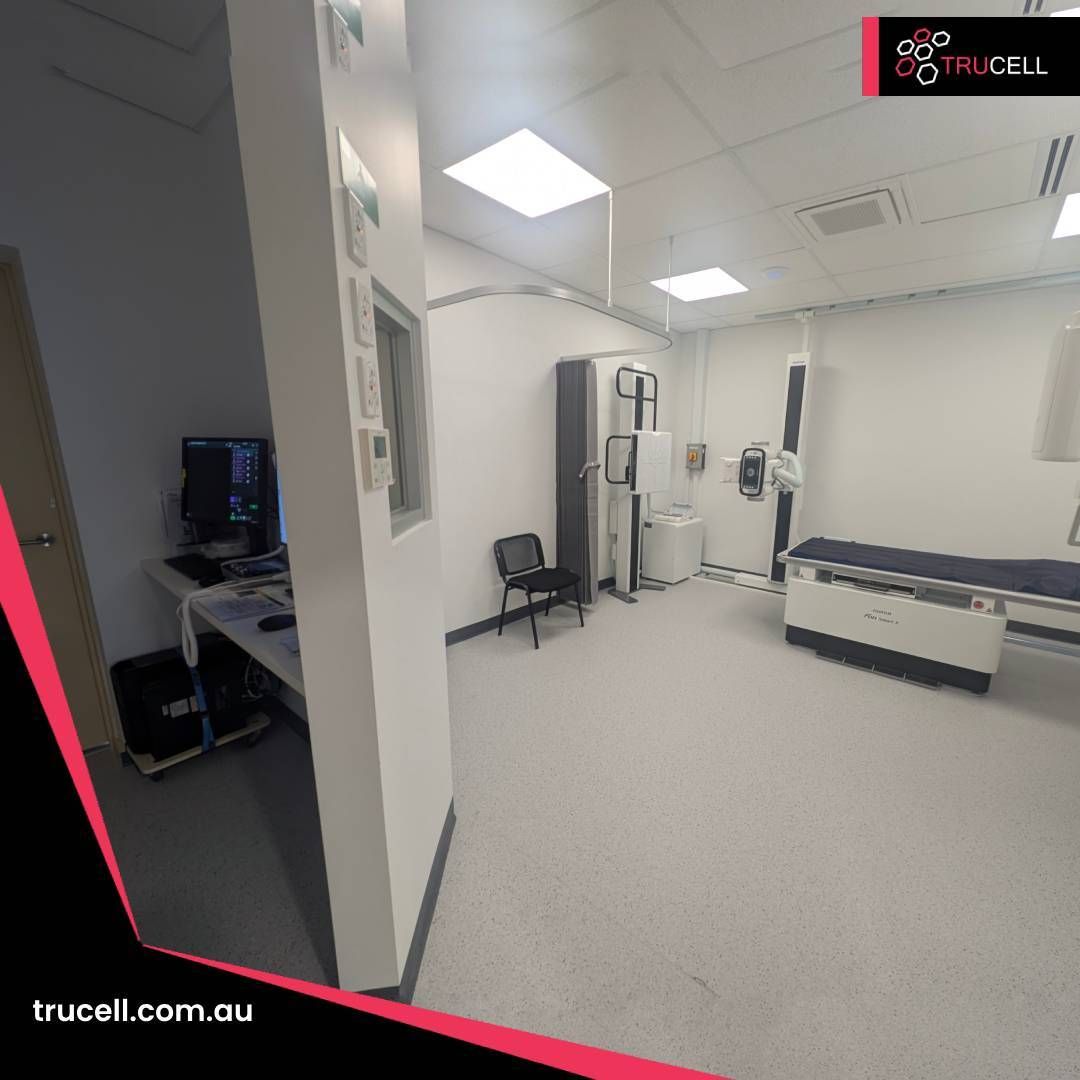
Workstations, monitors, scanners, IP handsets, label printers, EFTPOS terminals, and the thousand small things that determine whether reception is functional on opening morning. Every seat has to work; one missed scanner driver becomes a reception queue at 7 am.
For a deeper walk-through of reception specifically, see the Medical Imaging Erina front-desk fit-out.
8. Go-live and the first thirty days
A clinic does not “open”. A clinic cuts over. Modalities are commissioned, connections to the RIS validated, the first studies are sent into the PACS, dictation is tested, results are routed to referrers, reception runs through booking flows, and the phone numbers go live in the right hunt groups. Each of those is its own checklist, and each has to land before the first patient walks in.
Day-one is followed by the first thirty days, when the small surprises emerge. Every greenfield clinic produces a few: a referrer’s HL7 feed that does not match the spec, a printer driver that argues with one Windows build, a modality service tool that wants a path through the firewall nobody flagged. Having the same team who built the clinic on call to fix these is the difference between “we opened smoothly” and “the first month was rough”.
Why this matters for clinic owners
If you are commissioning a new radiology clinic in Australia or New Zealand, the practical questions worth answering before the IT scope is signed:
- Who owns the IT scope end-to-end? A clinic build that splits cabling, Wi-Fi, networking, RIS/PACS, and reception across four vendors guarantees that on day one, two of them will point at the other. One accountable IT partner, coordinating the rest, is the cheaper path.
- Is the cabling sized for ten years, not three? Modality data rates have only ever gone up. Workstation counts have only ever gone up. Pull more cable than you need now.
- Is the Wi-Fi designed or guessed? Ask for a heat-map and a post-install validation. If neither exists, you do not know whether your coverage is actually adequate.
- What happens when the internet goes down? Diverse-path second carrier? Failover automatic or manual? Can the clinic keep reading? Decide this before opening.
- Cloud, on-prem, or hybrid for RIS/PACS? Each has trade-offs against your network, your modalities, your reading model, and your governance. The right answer is rarely the vendor default.
- Who is on call for the first month? Day-one is not the hard day. Day eight, when the first edge case appears, is the hard day. Make sure you know who picks up the phone.
What we delivered at Doncaster
- Initial concept discussions and IT input to the floor plan and tenancy design.
- Coordinated data cabling with the cabling contractors, sized for current and forward modality and workstation counts.
- Wi-Fi heat-mapped and validated, not eyeballed.
- Reliable internet provisioning sized for clinical traffic with appropriate redundancy.
- Voyager RIS and PACS deployment alongside the Voyager team, with go-live support.
- Reception, reading-room, and modality endpoint hardware across the clinic.
- Go-live cover and first-month support so the clinic opened (and stayed open) on schedule.
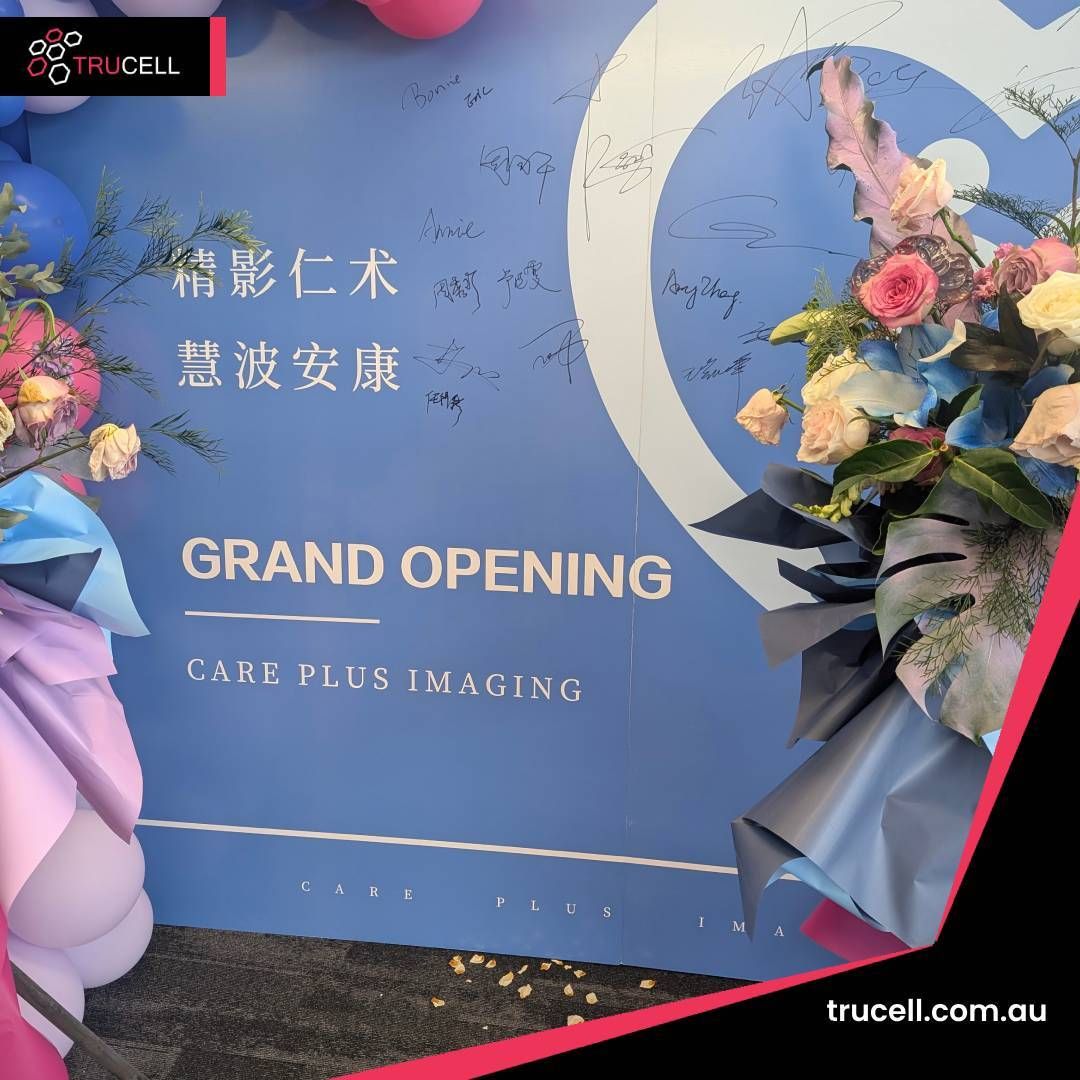
The clinic celebrated its grand opening with the team and community who will read in it for years to come.
Related Trucell radiology builds
- Full IT infrastructure fit-out for Baulkham Hills Radiology: full-site build covering cabling, networking, voice, displays, and managed handover.
- Front-desk fit-out for Medical Imaging Erina: practical guide to a reception build, with the eight elements a fit-out actually contains.
- Voyager Imaging stack walk-through: what each capability in the Voyager RIS/PACS stack does, in plain English.
- Fortinet rollout for an Australian radiology group: the network underneath everything else.
Next steps
If you are commissioning a new radiology clinic (in Melbourne, Sydney, Auckland, Santiago, or Manila) and you want one accountable IT partner from concept to first-month support, contact Trucell#landing_page=%2Fblog%2Fcare-plus-imaging-doncaster-it-fitout%2F with your tenancy address, target opening date, modality list, and current RIS/PACS plans. We will scope the build with your operations and clinical leads, not just the construction PM.
For the full Trucell view on radiology IT, see PACS and RIS and Network Services.
Congratulations to the Care Plus Imaging team on the opening of the Doncaster clinic. It was a pleasure to help lay the digital foundation.
Related reading
- Full IT infrastructure fit-out for Baulkham Hills Radiology
- RANZCR NZ ASM 2025: what Voyager Imaging actually does behind the scenes
- Front-desk fit-out for Medical Imaging Erina: what a clinic reception build actually involves
- Strengthening medical imaging connectivity: Fortinet rollout for an Australian radiology group